Part Time Editing

PART TIME EDITING

Loading your experience...

Getting everything ready...0%
Use codeto get it for₹1,999
Offer ends in
00Days00Hours00Mins00Secs
Adobe Premiere Pro + Freelancing · 10 Modules · Lifetime Access

The Only Premiere Pro Course You Need to Start Earning as a Video Editor

Go from your first cut to your first client in 25 days. Master Premiere Pro, viral reels, cinematic sound and AI editing tools, then learn exactly how to build a portfolio, price your work and land clients. No experience needed. Just a laptop and 1 hour a day.

10 Modules40+ Lessons2 Bonus PacksCertificate500+ StudentsRated 4.7/5
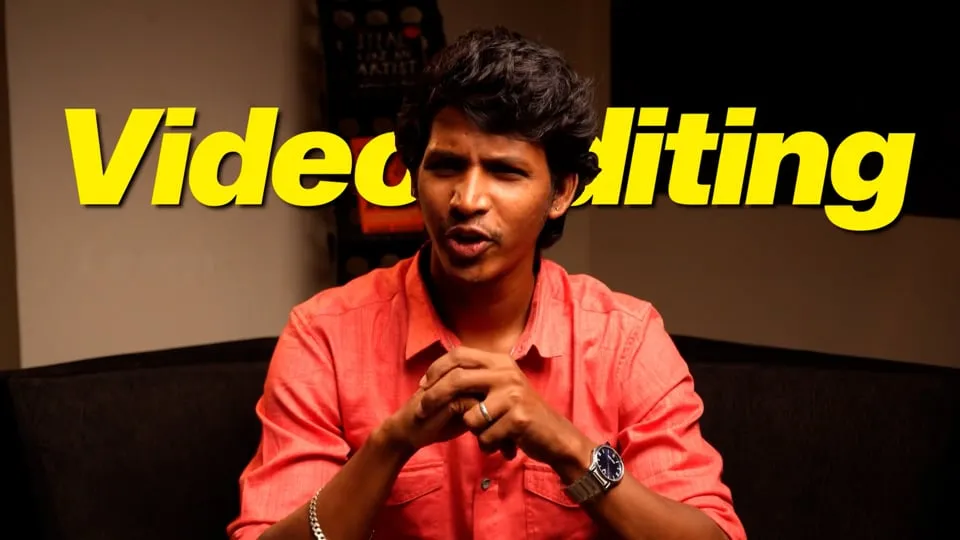
Watch Vignesh explain the course
₹4,999₹2,9997-day money-back guarantee
Use codeto get it for₹1,999
Enroll Now
UPIVISARuPayNet Banking
How this skill looks

This is what you will
be able to create.

High-Retention Short-Form Edits
Long-Form & Storytelling Edits
Cinematic Sound Design
Start learning today
₹4,999₹2,9997-day money-back guarantee
Use codeto get it for₹1,999
Who this is for

Built for people who want
to start and stick with it.

Editors who want to build a career
Content creators who want to create better content
Freelancers who want to earn more
Beginners who need simple, step-by-step guidance
Creative learners who want to follow their passion
Students and working professionals who want a skill beside college or a job

This course is NOT for you if

  • You want results without practicing.
  • You only have a mobile phone. This course is built around Adobe Premiere Pro on a laptop or desktop.
  • You are looking for a shortcut or a get-rich-quick trick.
  • You can not spare about 1 hour a day for the next 25 days.
Still here? Then this course was built for you.
Why this course

One skill. Three ways to earn.
One result: money.

Learn the skill
Go freelance or grow an agencyWork with clients on your own terms, or build a team around your skill.
Get a placementLand a role at a studio, agency or brand that needs a skilled editor.
Grow on social mediaBuild your own audience and turn your edits into reach and income.
Make money
Inside my course

Learn the tools.
Build the skill.
Understand the business.

10Modules
3Phases
2Bonus packs
PHASE 01

Foundation Editor

Premiere Pro and editing fundamentals

4 modules
  • Intro Video
  • Road Map Video
  • Tools & Explanation
  • Edit Your First Video
  • Effect Controls & Keyframing
  • How to Cut the Video and Keyboard Shortcuts
  • Making Presets
  • MOGRT
  • Cinematic Zoom In & Zoom Out
  • How to Use Green Screen Videos?
  • Video Background Removal (Roto Brush)
  • Background Noise Removal
  • Basic Transitions
  • Speed Ramping & Slow Motion
  • Nested Sequences Explained
  • Basics of Animation & Keyframing
  • Understanding Text & Font Pairing
  • How to Create Professional Text
PHASE 02

Creative Editor

Storytelling, retention and professional reels

3 modules
  • What is B-Rolls & B-Roll Uses?
  • Storytelling Frameworks
  • Reels Storytelling Framework
  • Different Types of Cuts
  • What is Retention?
  • How to Use Music?
  • How to Use SFX?
  • Reels Editing Masterclass
  • Hook Creation
  • Retention Editing
  • Subtitle Styling
  • B-Roll Placement
  • Zooms & Motion
  • Music Sync
  • SFX Placement
  • Viral Reel Structure
  • High-Retention Editing
PHASE 03

Freelancing Editor

Clients, marketing and income

3 modules
  • What is Freelancing?
  • How to Make Portfolio?
  • Getting Your First Client
  • How to Talk to Clients?
  • How to Set Pricing (Offer)
  • How to Make Your First ₹1 Lakh (Practical Way)
  • Content Creation Masterclass
From Student to Editor to Freelancer.All 10 modules, the bonus bundle and lifetime access.
Join now
Real students, real results

They Started With Zero Experience.
Here Is What Changed.

Five students, five starting points, one course.

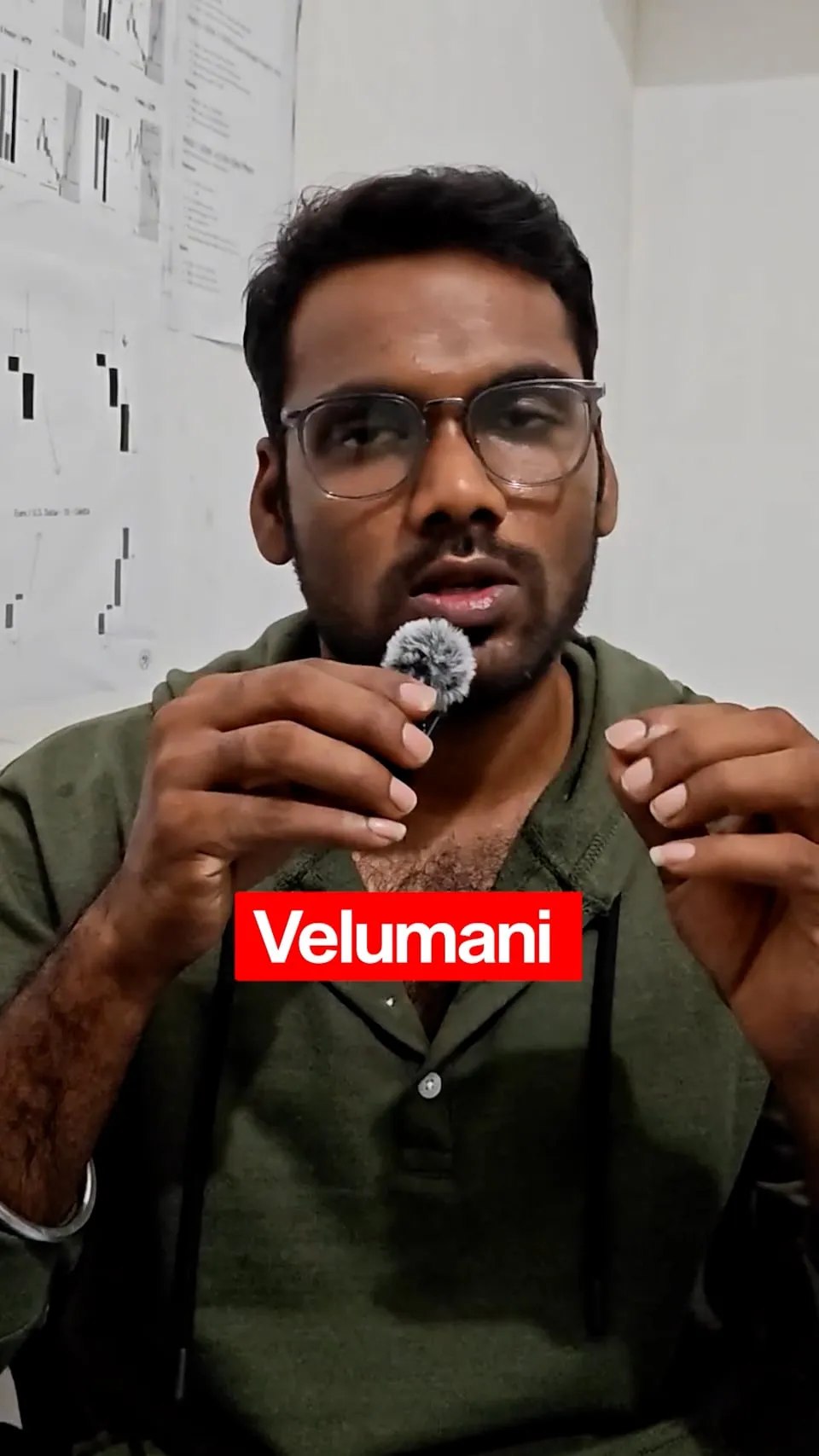
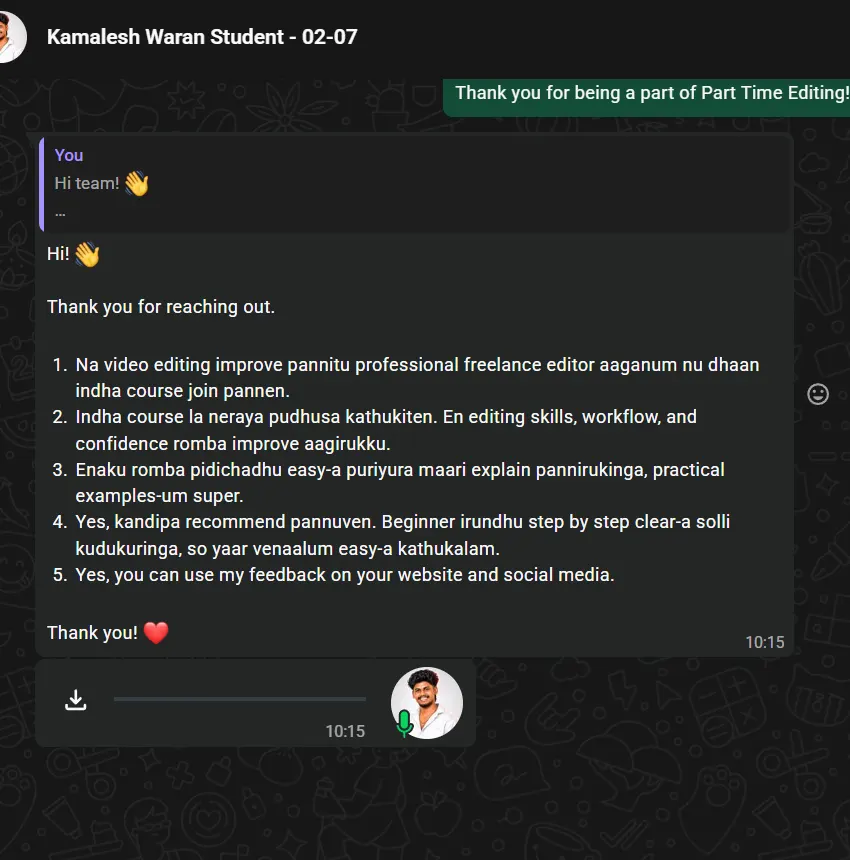
Video review from Velumani

Velumani

“The structured lessons and real-world techniques gave me the exact skills and confidence I needed to edit professionally.”
Swipe to hear from the next student

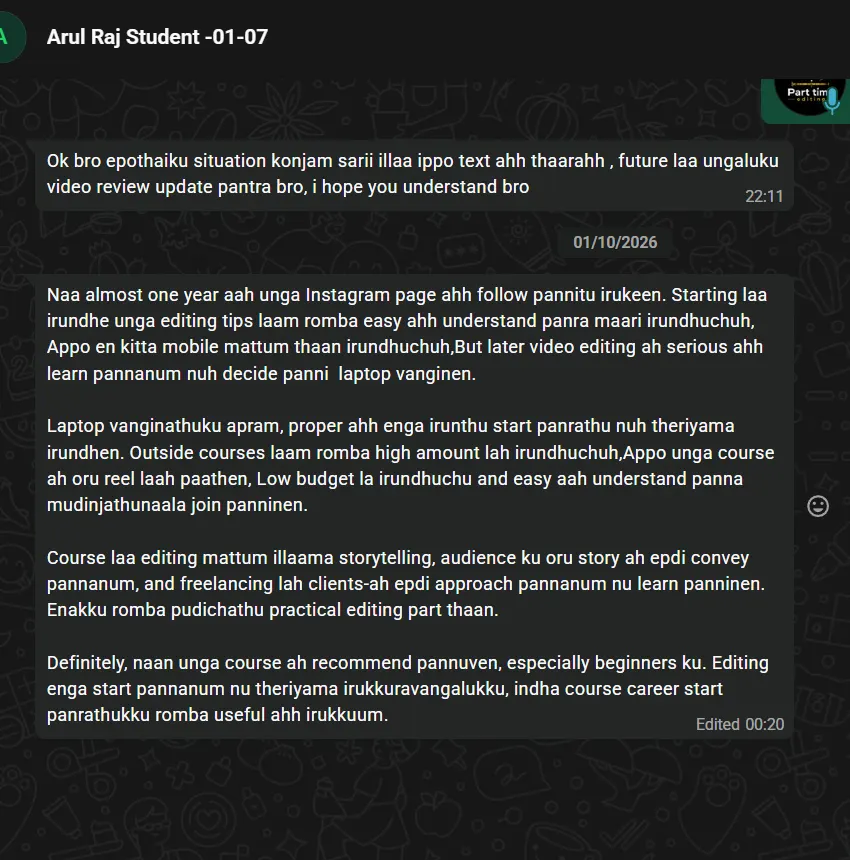
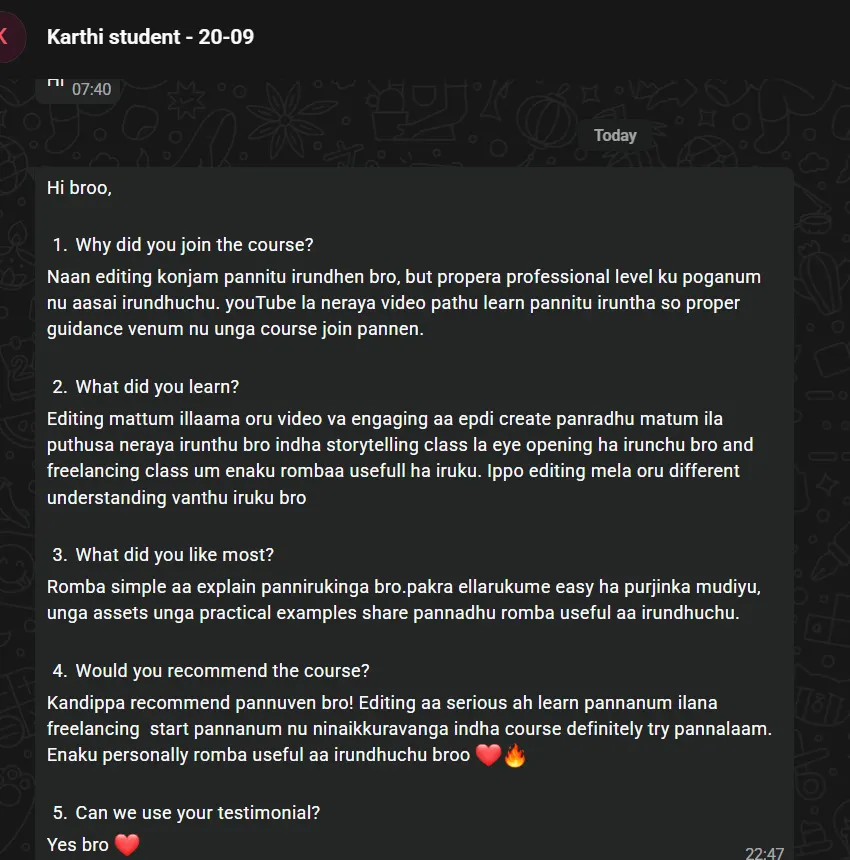
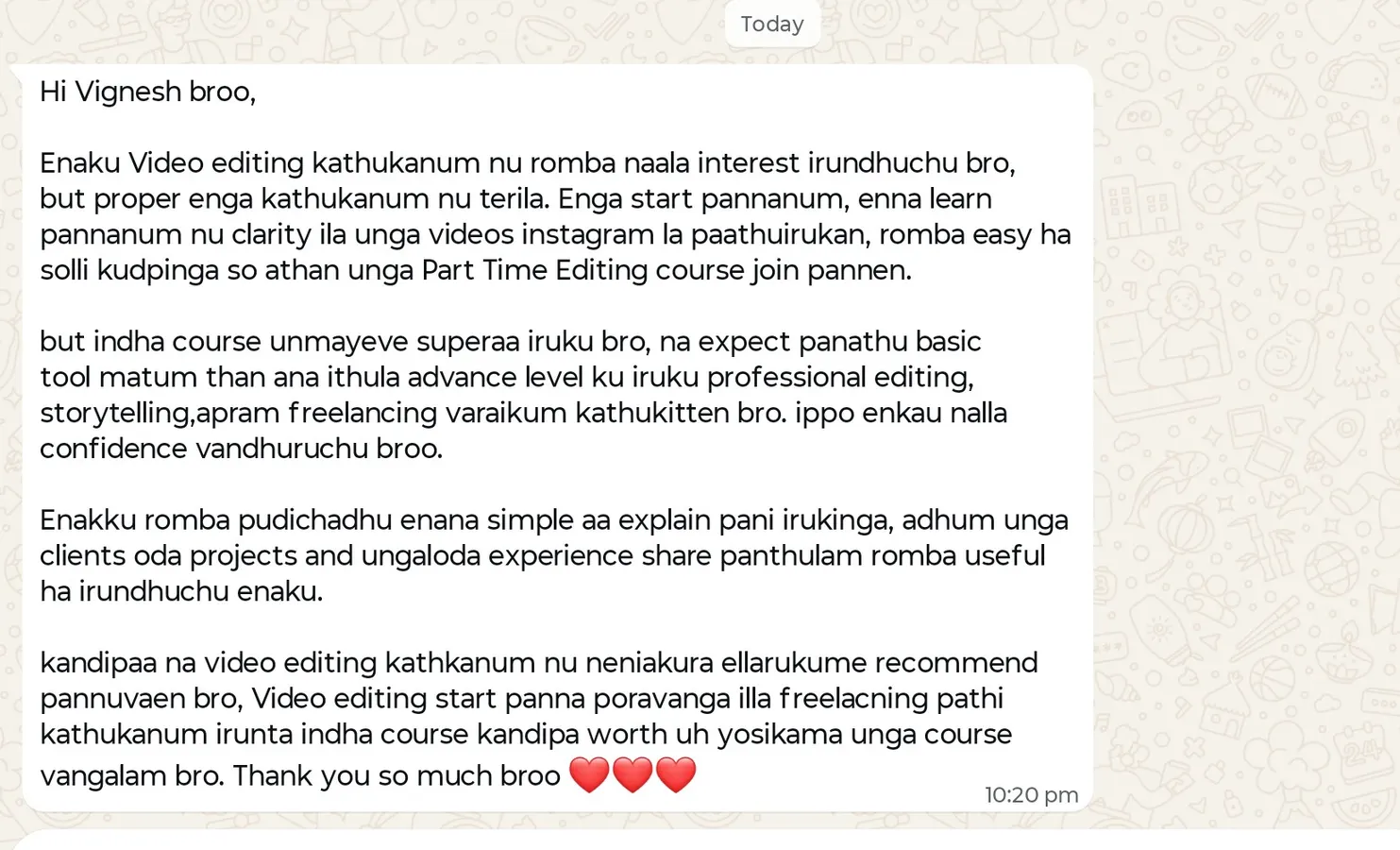
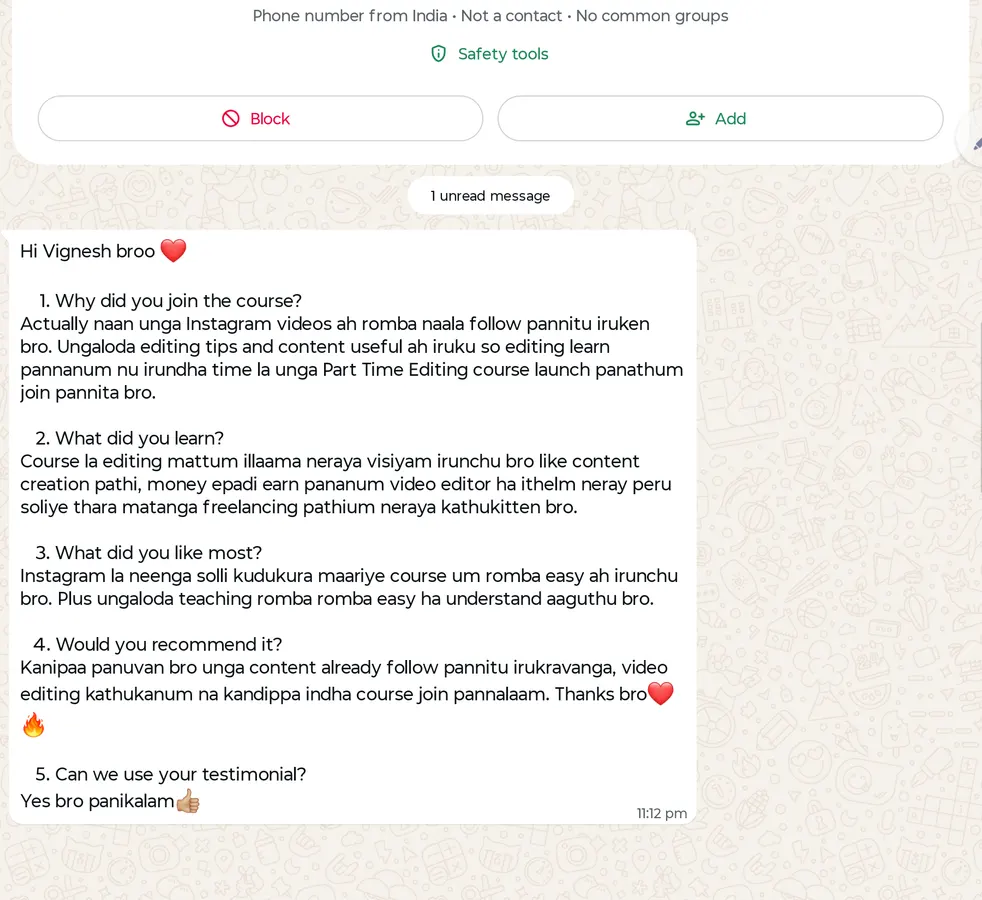
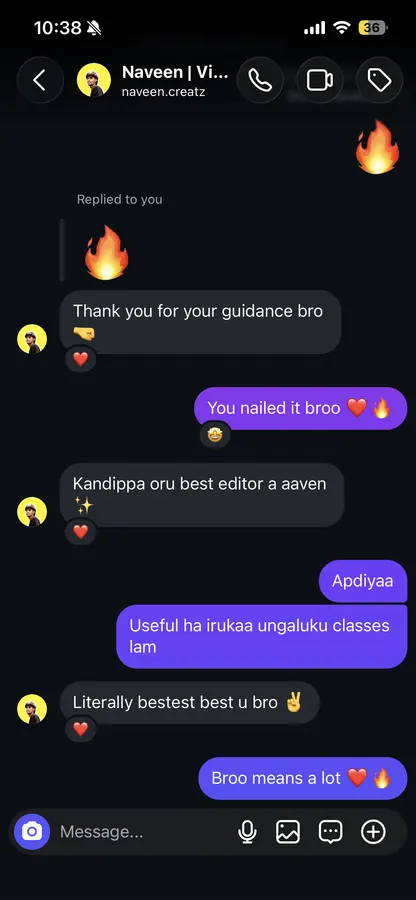
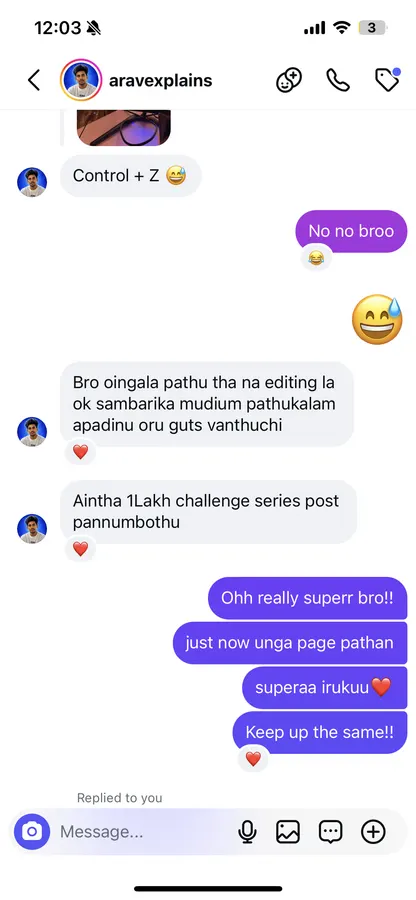
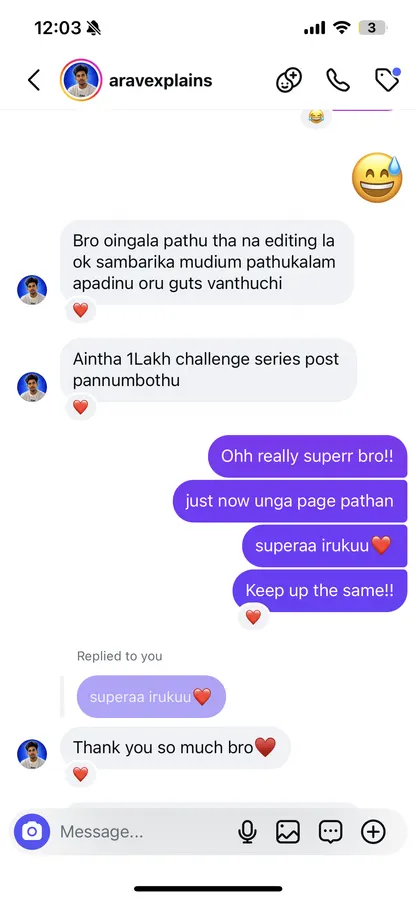
Student chats

Student chat feedback 1Student chat feedback 2Student chat feedback 3Student chat feedback 4Student chat feedback 5Student chat feedback 1Student chat feedback 2Student chat feedback 3Student chat feedback 4Student chat feedback 5

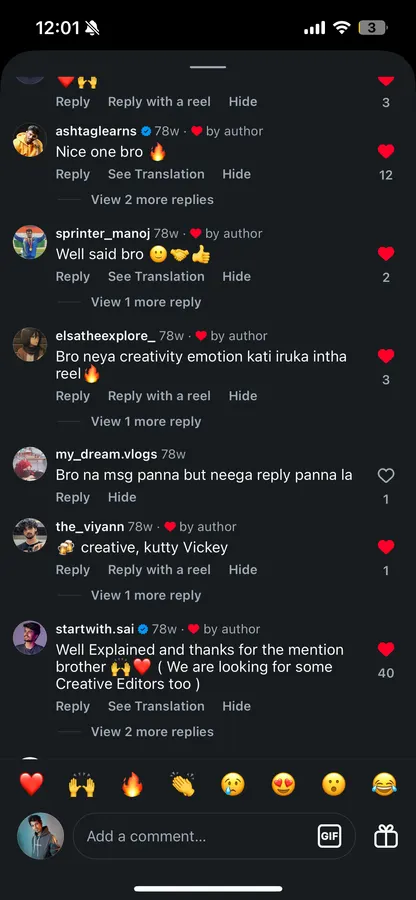
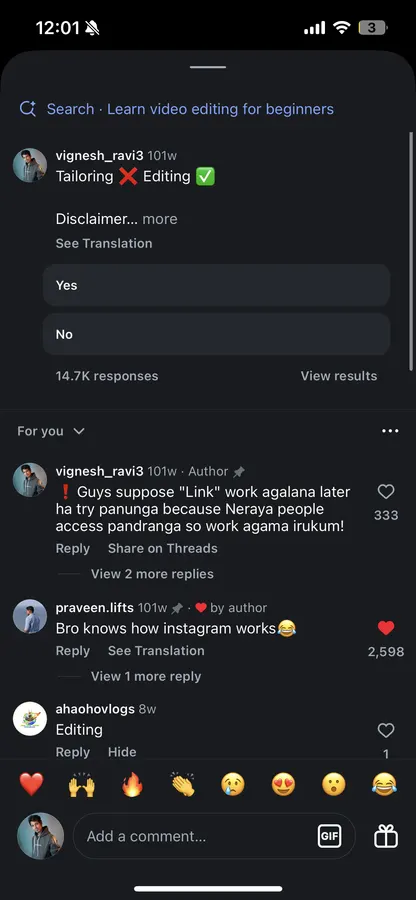
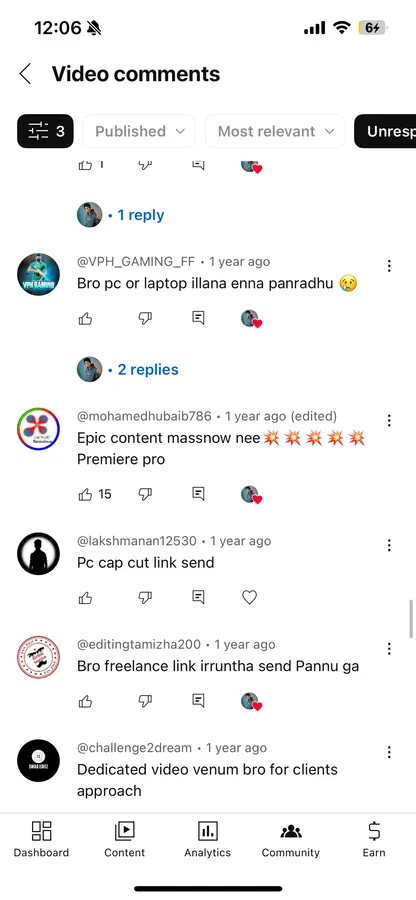
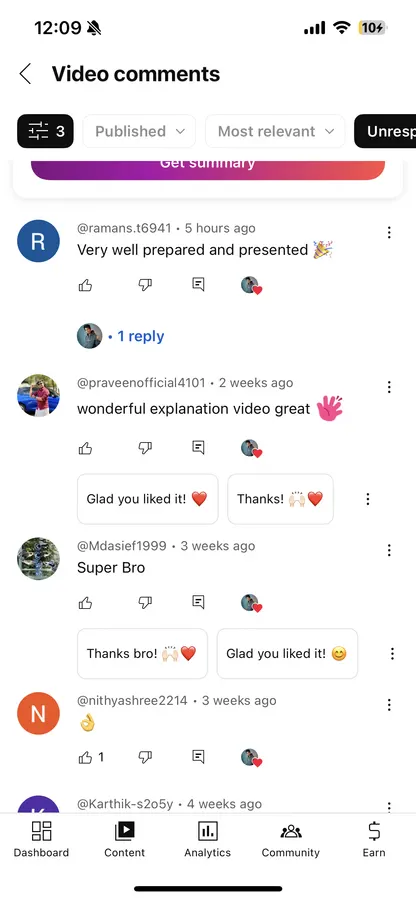
Instagram comments

Student Instagram review 1Student Instagram review 2Student Instagram review 3Student Instagram review 4Student Instagram review 5Student Instagram review 6Student Instagram review 7Student Instagram review 8Student Instagram review 9Student Instagram review 10Student Instagram review 11Student Instagram review 12Student Instagram review 13
Bonus bundle for my students

What You’ll Unlock When You Join

Get more than editing lessons. Unlock the tools, resources, and community to support your journey as an editor.

01

FREE ₹10,000-Worth Editing Bundle

Everything you need to create stunning edits without starting from scratch.

02

FREE 100+ Premium Fonts

Worth ₹1,000

Make every title, Reel, and YouTube video stand out with the right typography.

03

Premium Music & SFX Pack

Worth ₹4,999

Bring your edits to life with cinematic music, impactful sound effects, and immersive audio.

04

Premium Editing Assets Bundle

Worth ₹3,000Free for my students!

Level up your edits with creative assets, presets, and transitions that save time.

05

Real Project Footage

Go beyond theory. Practice with raw footage and learn how to transform it into a polished final edit.

06

My WhatsApp Community Access

Learn alongside fellow editors, share your work, exchange feedback, and grow together, with a community to support your editing journey.

Your skills. Your toolkit. Your next opportunity.

All bonuses are included with your course access.

Join now
Make room for your next skill

How much time
can you give yourself?

Move the slider. See what a small daily commitment could look like.

Your pace. Your plan.

1 hr / day
15 minutes3 hours

Based on about 25 hours of lessons and practice, studying every day. It is a planning estimate to help you set a pace.

Estimated time to finish your plan
25 days

25 study days · 7 hours each week

If you start today, estimated finishToday
Your plan is taking shape.
Join now
A milestone you can show

Complete the course.
Make your progress visible.

Finish the course and receive a certificate of completion. Pair it with the projects that show what you can actually create.

  • Show your completed learning on a portfolio or profile.
  • Present the certificate alongside your finished editing work.
  • Mark the day you went from “someday” to “started.”
Enrol and earn yours
part time editing.
Course certificate

Certificate of Completion

Presented to

Your Name

For completing the Part Time Editing course:
Premiere Pro, creative editing and freelancing fundamentals.
Vignesh
Lead mentor
PTEPart Time Editing
Course completion
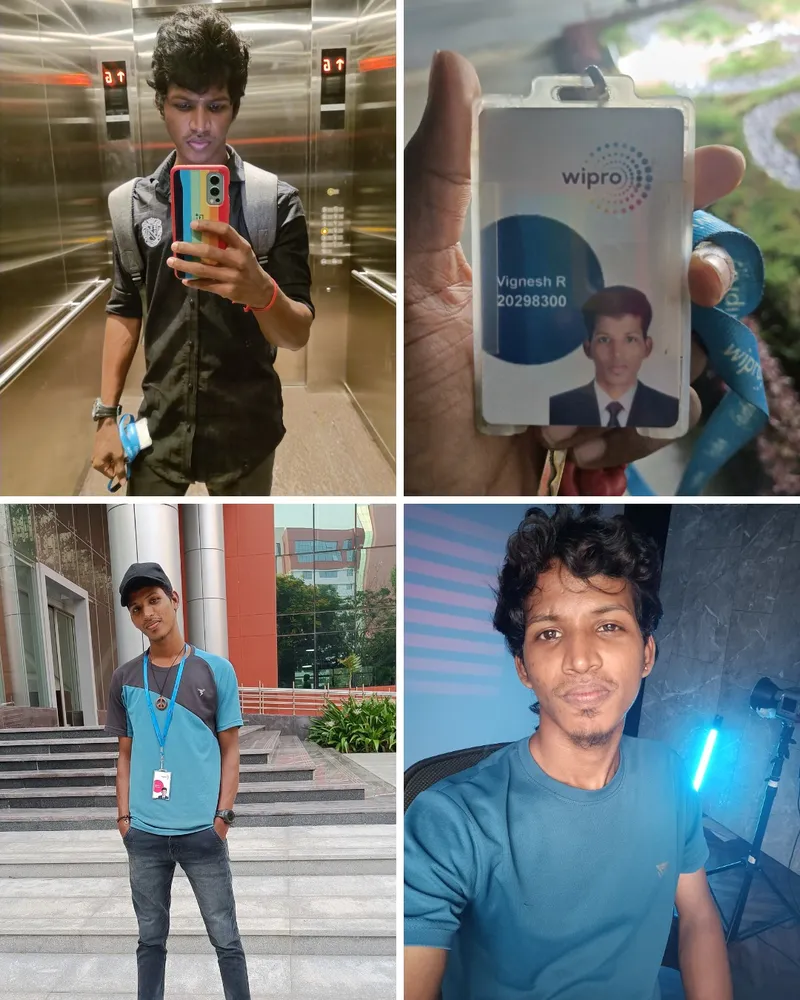
This is my journey

I left my 9 to 5.
Editing became my next chapter.

Vignesh during his corporate jobTHEN / MY 9 TO 5

My 9 to 5 years

My 9 to 5

Maybe you feel this too.

  • Same desk, same routine, every single day.
  • A 9 to 5 that left no energy for what I actually loved.
  • Watching the clock instead of building something of my own.
  • Effort that was never matched by growth, income or freedom.
  • Knowing I wanted more, but not knowing where to start.
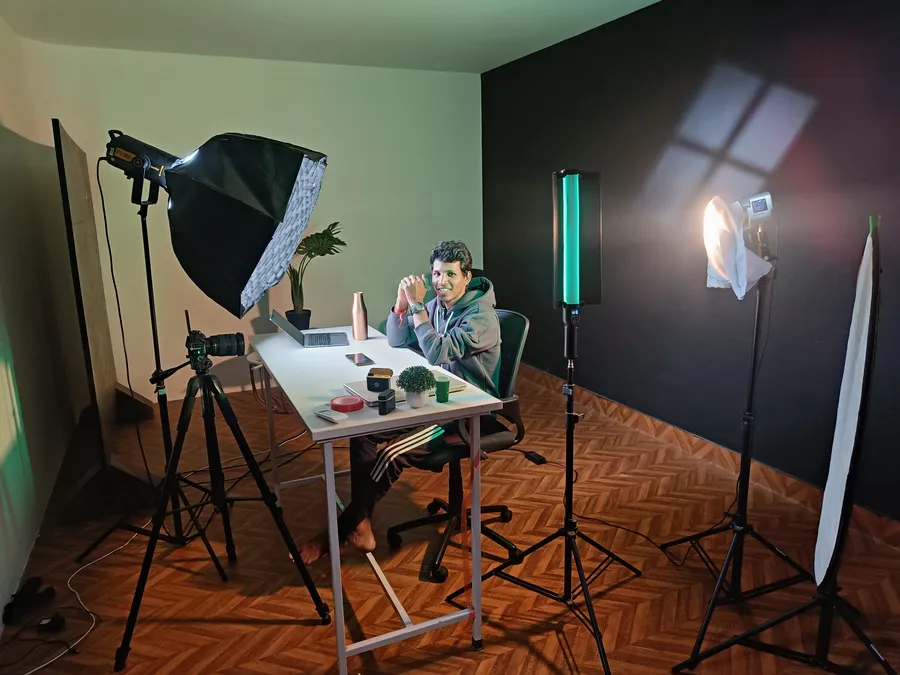
Vignesh today, editor and mentorNOW / 3 YEARS LATER

Editor, creator and mentor

Where editing took me

I edit, create and teach.

  • 50+ clients and 1,500+ videos edited in 3+ years.
  • Full control of my time, with no fixed hours or commute.
  • I choose the clients and projects I work on.
  • I can work from anywhere and travel without asking for leave.
  • More time for family, and a skill that keeps growing.
My current monthly income6 figures / monthThis is my personal result. Your results depend on your skills and effort.

Editing did more than replace my 9 to 5. It helped me grow my Instagram, reach thousands of people and turn one skill into a business.

My Instagram journey

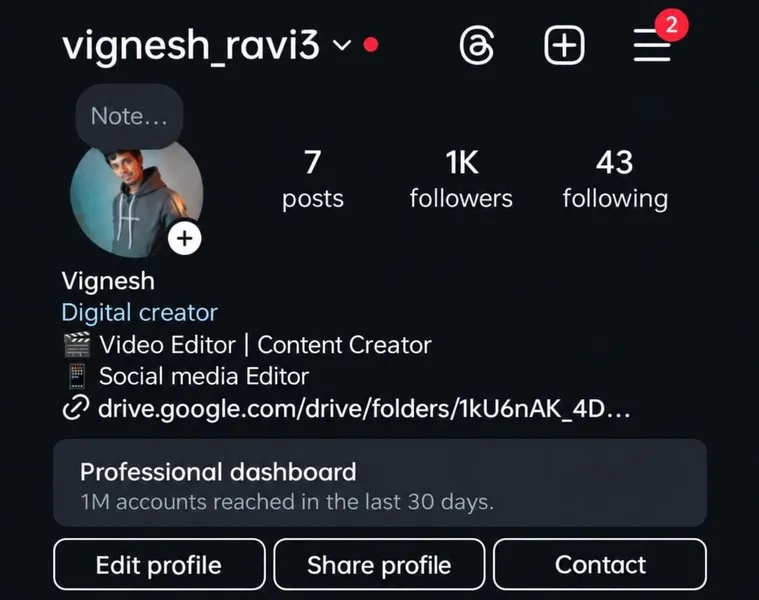
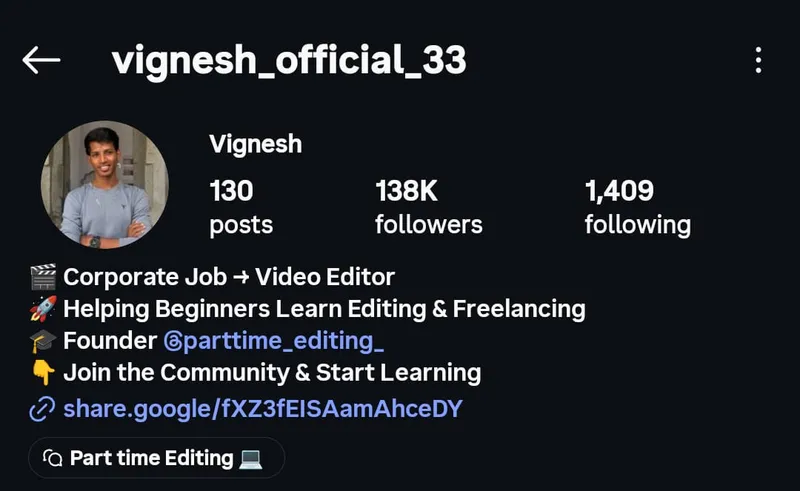
From 1,000
to 138K followers.

I grew my page from 1,000 to 138K followers by learning to edit and sharing my work consistently. With the right skills and steady practice, you can do it too.
I’ve delivered similar results for my clients too.Creators and brands who trusted me with their content.See who I’ve worked with
THEN1,000followers
Instagram profile at 1,000 followers
NOW138Kfollowers
Instagram profile at 138K followers
Learn from me
My clients

Creators and brands
I’ve worked with.

Ashish Johnson
Founder, ScreelX

Ashish Johnson

I joined ScreelX in 2023, where I got the opportunity to learn how professional video editing works in real-world projects. Working under Ashish Johnson, the founder of ScreelX, helped me understand the creative process behind video production and opened doors to working with multiple brands and business owners.

Swipe to meet the next client
What you get

Everything included when you join.

  • Complete Premiere Pro Training
  • Storytelling & Retention Frameworks
  • Reels & Short Form Editing
  • Freelancing Roadmap
  • Portfolio Building
  • Client Acquisition Strategies
  • Pricing & Offer Creation
  • Content Creation Masterclass
  • How to Make Your First ₹1 Lakh
  • Job & Freelance OpportunitiesNEW
  • Future Course Updates
  • Community Access
  • Lifetime Access

Bonus included

  • Editing Presets Pack
  • Exclusive Job Opportunities
  • Project Files
  • Editor Hiring Updates
  • Freelancing Resources
  • ₹5,000 Worth Assets (Effects, Transitions, Sound Effects & more)
Year-end offer
₹4,999₹2,9997-day money-back guarantee
Use codeto get it for₹1,999
Join now
UPIVISARuPayNet Banking
7-day money-back guarantee · Instant access
Before you join

Clear answers.
A confident decision.

Can I start without editing experience?

Yes. The course begins with the fundamentals and builds step by step. Give yourself time to practice each technique instead of only watching the lessons.

Can I learn alongside college or a job?

Yes. The lessons are self-paced, so you can plan your learning around your commitments. Even 30 to 60 minutes a day is enough to make steady progress.

What computer and software do I need?

You need a Windows PC or Mac that can run Adobe Premiere Pro. Premiere Pro is Adobe’s software, so you will need your own Adobe trial or subscription.

Is this suitable if I only have a mobile phone?

The course is built around Adobe Premiere Pro on a computer, so you will get the most from it with a laptop or desktop.

What language are the lessons in?

The lessons are explained in simple, easy to follow language, with the editing terms taught in English so you can use them anywhere.

How long will the course take?

Access is self-paced. Use the daily-study planner to see a plan that fits your day. The course is about 25 hours of lessons and practice, so at one hour a day you can finish in about 25 days, and you keep lifetime access afterwards.

Do I get a certificate?

Yes. You receive a Part Time Editing certificate of completion once you finish the course. It is a course certificate, not an Adobe certification.

How do I ask questions?

You get access to the student community, where you can ask questions, share your work and learn alongside other editors.

Will I get clients or a job?

The course teaches you portfolios, client conversations and pricing, so you know how to start. Results depend on your skills, effort and outreach, and nobody can guarantee work.

How does the refund policy work?

The course has a 7-day money-back policy. If you have any questions about it, write to parttimeediting2026@gmail.com and we will help you.

Ready to start?

Join the course today and take your first lesson tonight.

Join now

2026 isn’t over.
You can start today.

Your first step is one lesson. Your progress comes from the practice.

Join now